Better blog comments on Shopify blogs
As far as you may know, Shopify offers comments for the built-in blogging feature:
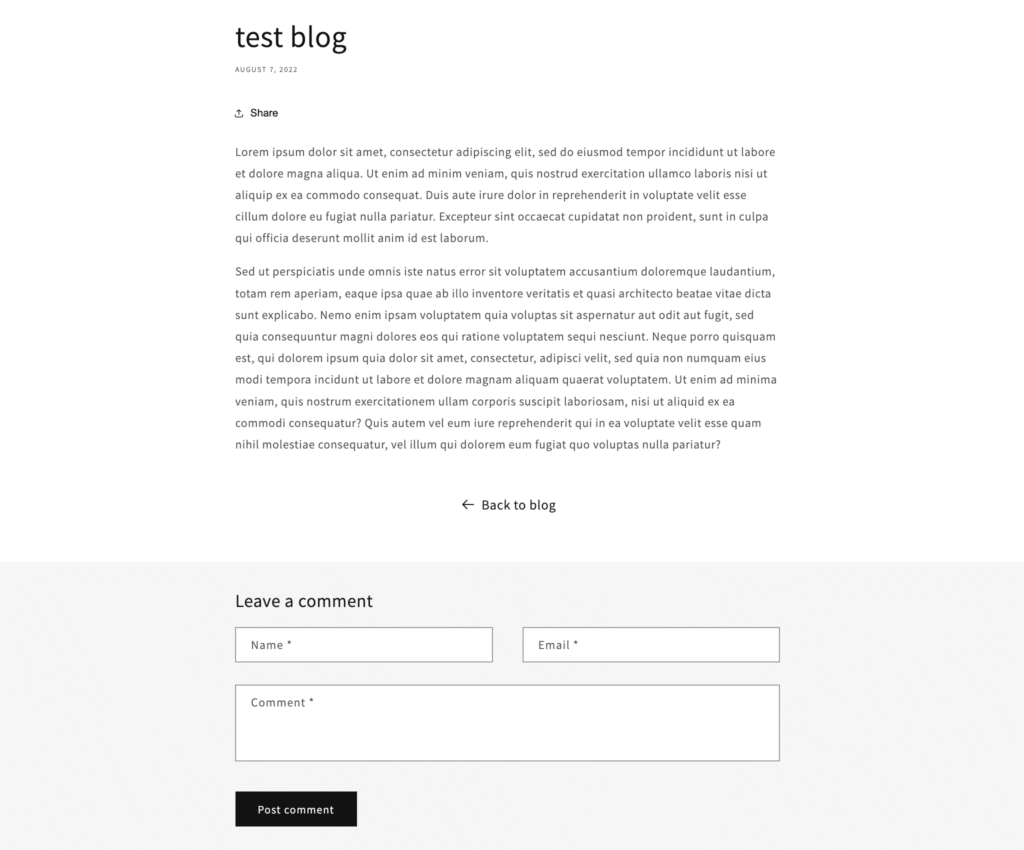
Default Shopify blog comments have some advantages:
- No performance impact from third-party scripts or integrations;
- Integrated directly into Shopify’s blog system (no need to install / configure);
- ability to set comments to be published automatically or after approval;
- Include basic spam filtering
- Customizable via Liquid for simple design adjustments.
Still, there are some disadvantages:
- no option to like or upvote / downvote comments;
- no notifications or alerts;
- no reply option (no nested / threaded comments);
- no user profiles or avatars – only commenter name is displayed;
- no option to use markdown for advanced formatting when needed;
- no sticky comments (useful for announcements or pinning important text);
- no option to add images to comments.
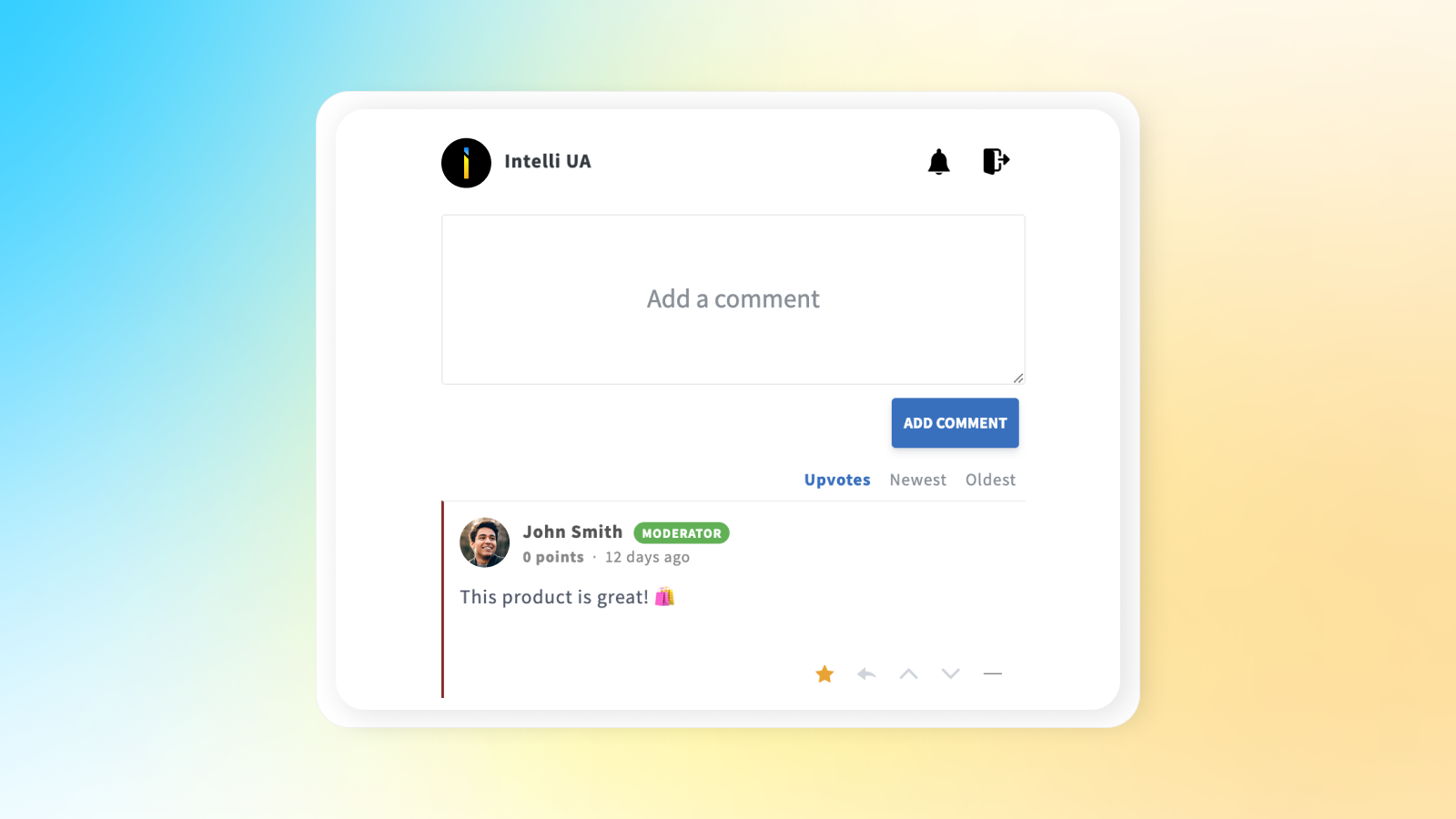
Listed disadvantages can be fixed by installing Commentify app:
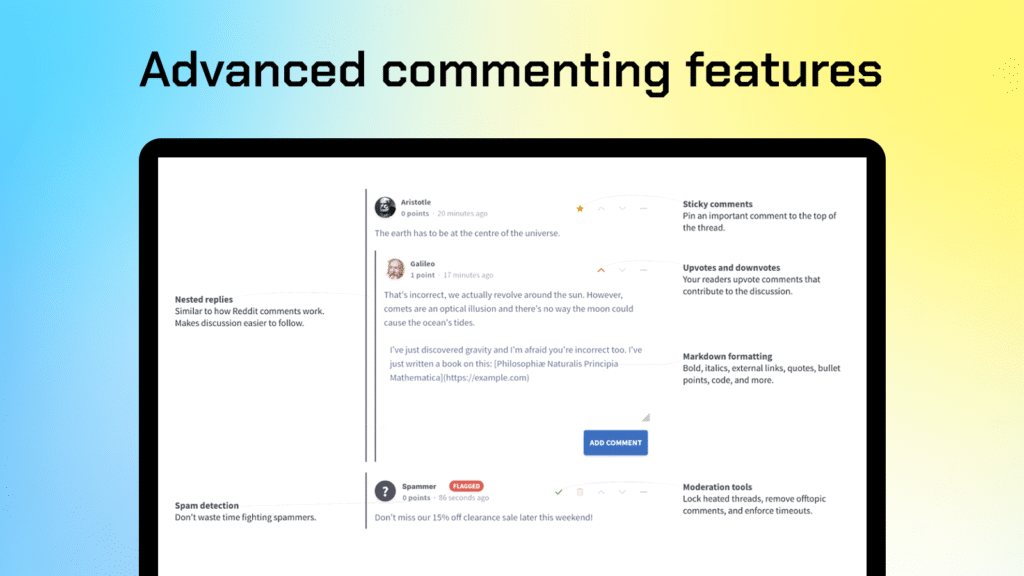
It provides more advanced UI and can be easily added into blog post template using Shopify theme editor:
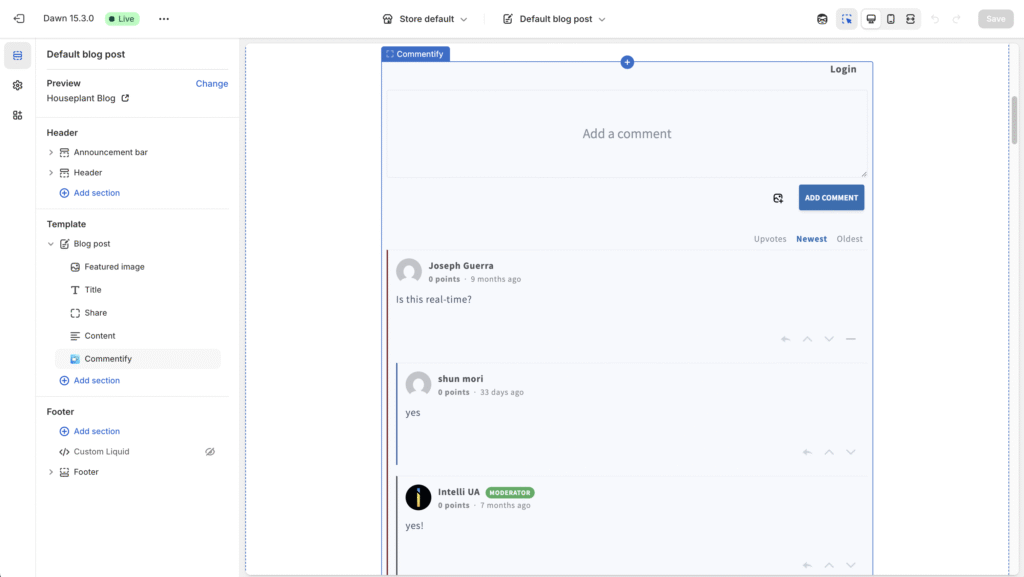
Of course, you can configure colors and display / hide important parts of functionality using the block settings and app settings. Settings available:
- Default comment sorting (most upvoted / newest / oldest);
- Commenter name format (first name only or first name + last name);
- Email notification settings for admins / moderators;
- Enable / disable comment approval by moderators / admins;
- Allow / disallow anonymous comments (there will be an option to enter a name or to appear as Anonymous user. Users will still be able to log in. By default, this setting is disabled).
Take advantage of Commentify free trial by adding it from the Shopify App Store.

blogcommentsShopify